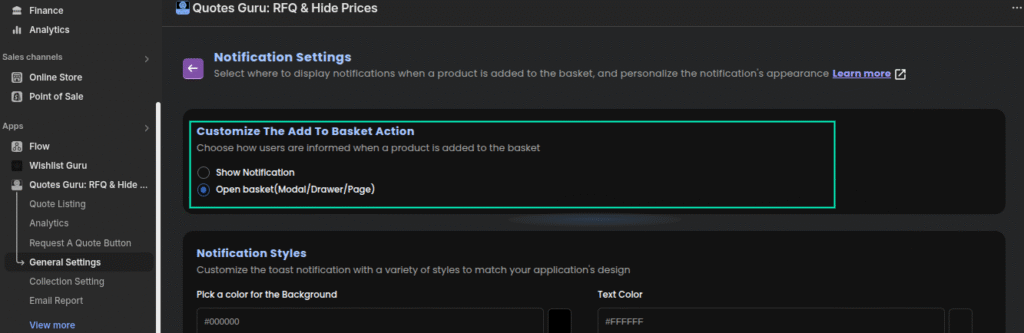
The “Notification or Quote List Display” setting in the Quotes Guru app allows you to decide what happens after a user clicks “Quote List”—whether it’s a simple notification or an immediate view of the quote list in a modal, drawer, or full page. This guide will show you how to configure this behavior to match your store’s user flow and improve customer interaction.
This setting allows you to control the customer experience after clicking “Quote List” — either show a notification or open the quote list in a selected format (modal, drawer, or page).
Steps to Configure: #
- Go to General Settings in the Quotes Guru app.
- Then click on Notification Settings.
- Then you will see the option “Customize the Quote List Action”.
- Choose from the two available options:
- Show Notification
- Open Quote List (Modal / Drawer / Page)
Please check the screenshot below :